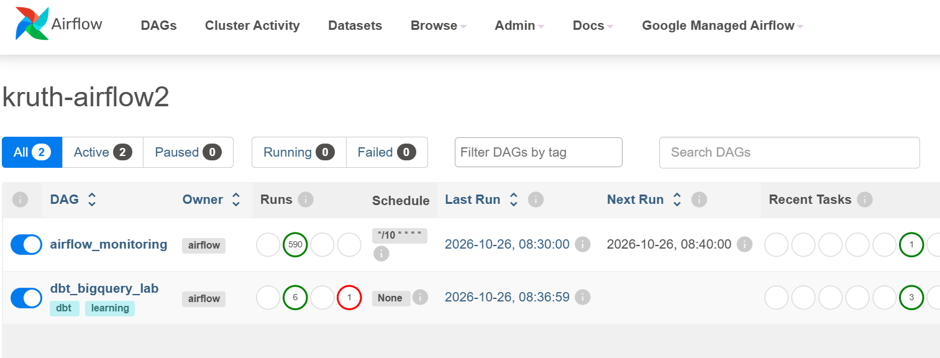
Apache Airflow is a popular open-source tool for orchestrating data workflows, including dbt jobs. It can coordinate tasks across different services. For example, a workflow can wait for a file to appear in Cloud Storage and then start a dbt transformation. Within dbt, dependencies between models, seeds, and other resources are defined using functions such as ref(). Selectors (including selectors.yml) let you define which parts of the dbt project to execute. Airflow starts the selected dbt command, and dbt handles the dependencies within that selection.
I have been lately extending my data knowledge with AI-related learning. First I familiarized myself with the basic concepts and architecture of AI and agentic AI. Then I decided to focus on Azure AI Foundry, because it seems to be quite popular among Finnish customers.
As usual, after some learning, I wanted to build something by myself and write a blog post about it. Actual interface / dialogue box is at the end of the post, so you have to scroll through the whole post to be able to test it 😊. Ok, you can also jump directly to the assistant from here:
I created an Azure AI Foundry AI agent to analyze NHL game data, which I had uploaded into Google BigQuery. I wanted to demonstrate how we can use our own internal data as a source for an AI agent.
I used ChatGPT Codex to help me code this solution and have to admit, it was really good help. Actually, I was quite impressed how much of the development Codex could do for me, especially when I got to the web application part later.
Creating the Foundry project
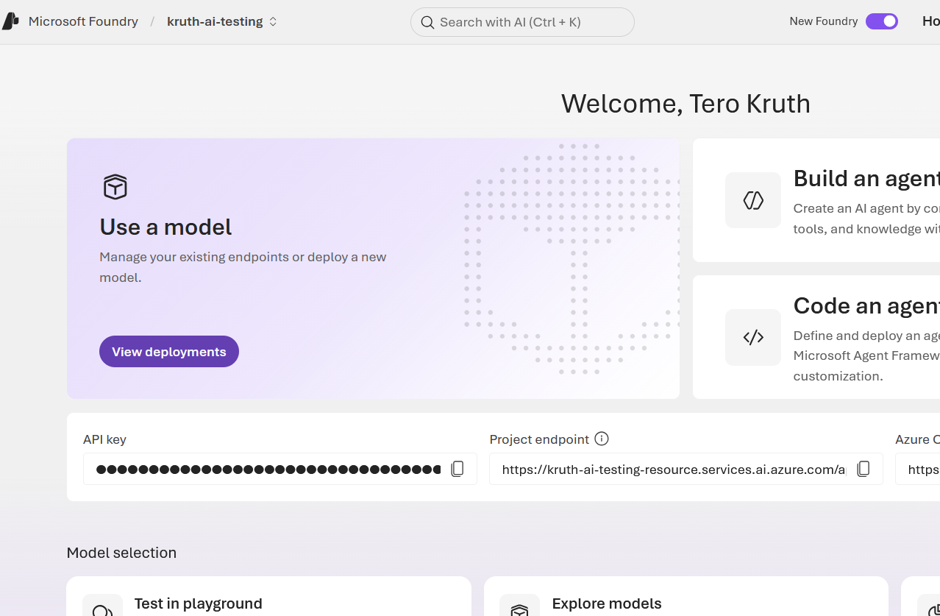
First I created an Azure AI Foundry project. It does not require any special configuration for this simple experiment.